
Quick Answer
The smart home features most worth having in Florida are a smart thermostat, a video doorbell with a smart lock, water leak sensors, and automated LED lighting. Start with one or two that solve a real problem, make sure they work together, and write down which devices stay with the home if you ever sell.
Which smart home features are worth it in Florida?
These are the features homeowners and buyers ask about most, and what each one does for you:
- Smart thermostat: adjusts cooling when you are asleep or away. Cooling runs most of the year here, so this is often the first upgrade.
- Video doorbell and smart lock: lets you see who is at the door and let in a trusted guest from your phone.
- Water leak sensors: an early warning at the water heater, under sinks, and near the washer, useful when you travel.
- LED and automated lighting: schedules, dimming, and scenes that cut wasted light and set the mood.
- Smart ceiling fans and blinds: airflow and shade that work with your thermostat to keep rooms comfortable.
- Voice assistants: Alexa, Google Home, and Apple Home tie devices together with simple commands.
How does smart security protect your home?
Gone are the days of wondering if you locked the door. With smart locks, video doorbells, and connected alarms, homeowners can monitor and control their security from anywhere. You can get a notification when your kids arrive home, or let in a trusted guest with a tap on your phone. These tools help deter intruders and make everyday life more convenient.
Two habits matter as much as the hardware: turn on two step sign in for every device account, and change default passwords. Battery powered devices also need a reminder to replace batteries.
Can smart thermostats and lighting lower your energy bill?
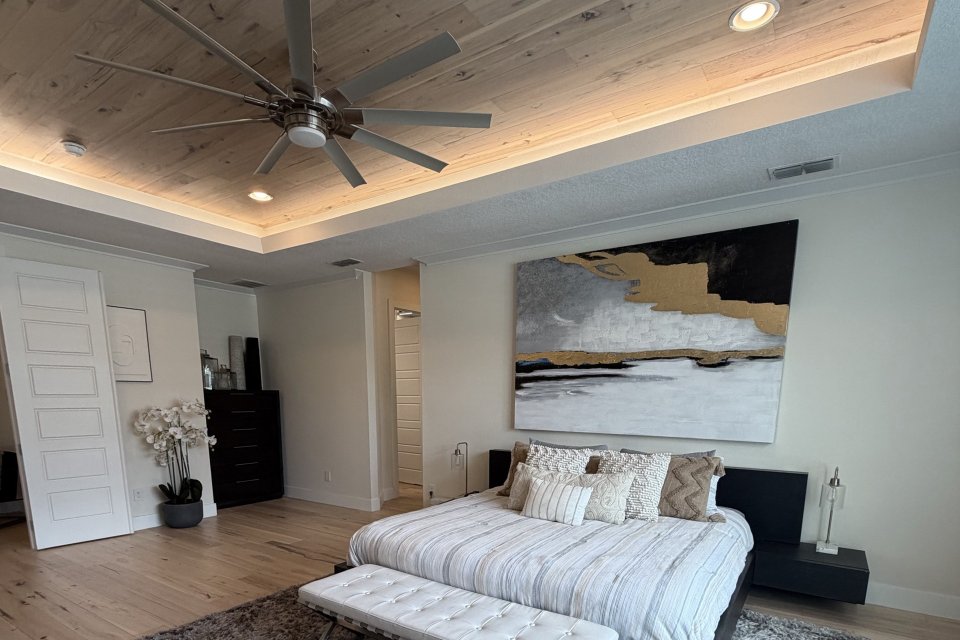 They can help. According to ENERGY STAR, almost half of the average household's annual energy bill goes to heating and cooling, and certified smart thermostats are designed to adjust settings automatically when you are asleep or away. In Florida, where air conditioning runs most of the year, that makes thermostat scheduling a practical place to start.
LED lighting systems can be controlled remotely or set to follow natural light patterns, which cuts wasted use. Solar panels paired with energy management can reduce what you draw from the grid, but check your HOA rules, local permit requirements, and your electric provider's policies before you commit.
What can voice assistants and automation do for you?
Whether you are setting reminders, playing music, or creating a movie night scene, voice assistants make daily routines easier. With a simple command you can dim the lights, adjust the thermostat, or start the robot vacuum. Automation routines tie your devices together so your home works the way you live. Before you buy, confirm that new devices work with the assistant and app you already use.
What should you ask when buying a home with smart technology?
- Which devices are installed, and which will stay with the home? Get the list in writing.
- Who owns the accounts? Cameras, locks, and thermostats are often tied to the seller's app and need to be reset or transferred.
- Are any cloud features or monitoring plans paid subscriptions, and who pays after closing?
- How strong is the Wi-Fi coverage throughout the house, including the garage and backyard?
- On new construction, which smart features are included and which are upgrades? Ask the builder for the exact list.
Use the inspection period to test the devices that matter to you. My guide to the Florida inspection period explains the timeline, and my Florida home buyer's guide walks through the full process from offer to closing.
What should you do with smart devices when you sell?
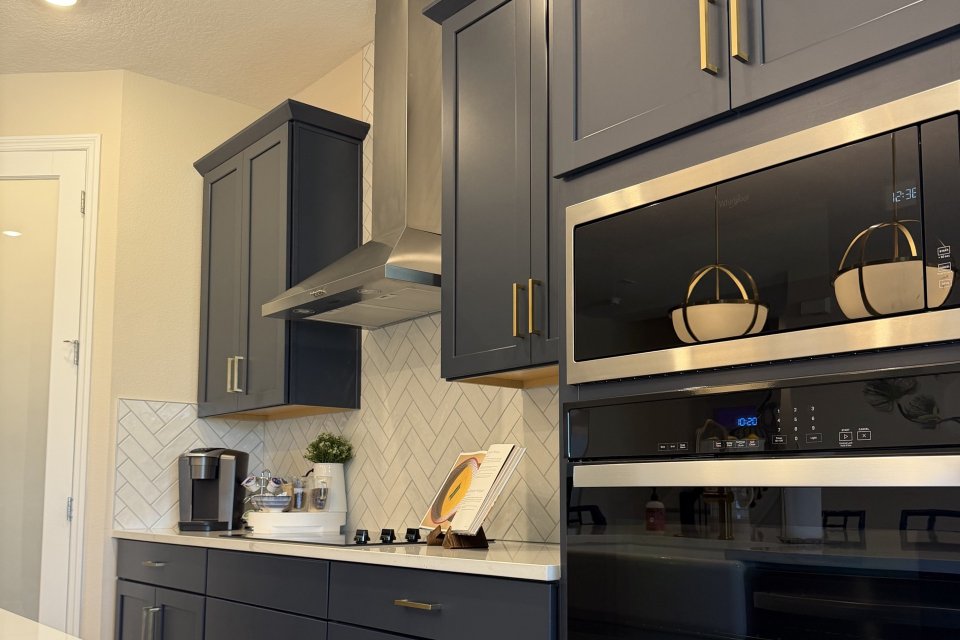 List every device that stays in your listing and contract, remove the devices from your personal accounts, and leave manuals and any hub or bridge with the home. Buyers appreciate a move in ready house, but an appraisal compares similar recent sales rather than adding up devices, so do not count on a dollar for dollar return. My appraisal guide explains how that works, and my seller page shows how I prepare a home for market.
The future is now
Home technology is no longer a luxury. As devices become more affordable and interconnected, every homeowner can enjoy more comfort, security, and savings. If you are thinking about upgrading your home or shopping for one that already has smart features, browse homes for sale in Winter Garden, Windermere, and across Orlando, or send me your wish list.
Frequently asked questions
What is the best first smart home upgrade in Florida?
A smart thermostat is a common first step because cooling runs most of the year and the thermostat can adjust automatically when you are asleep or away.
Do smart home devices work without Wi-Fi?
Most need Wi-Fi or a hub for remote control and alerts. Some features, such as a lock's keypad or a hardwired alarm, may keep working locally, so check each device.
Do smart devices stay with the house when you sell?
Only if they are included in your contract. Built in and installed items are often negotiated, so list the devices that stay and remove them from your personal accounts before closing.
Do smart home upgrades raise a home's appraised value?
Not device by device. An appraisal compares similar recent sales, so smart features mainly help with buyer appeal and day to day comfort.
How do I keep smart home devices secure?
Turn on two step sign in, change default passwords, keep device software updated, and use a separate guest Wi-Fi network for visitors.
Sources: ENERGY STAR smart thermostat information (energystar.gov).
Mike Vein | Orlando | REALTOR
eXp Realty
(407) 612-2722
Realty@MikeVein.com
Mike Vein, REALTOR® | eXp Realty | Florida license SL3610199
FROM OUR BLOG
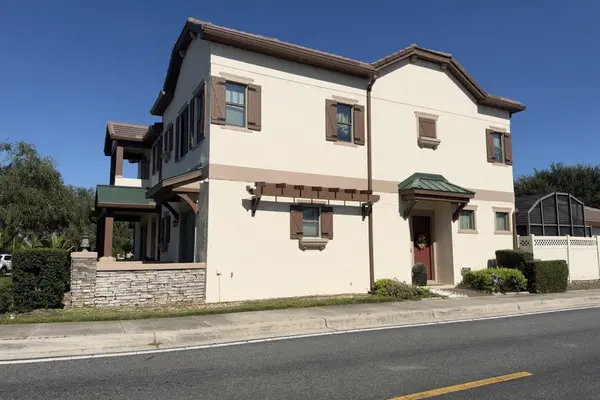

Winter Garden vs. Windermere vs. Oakland: How to Choose Your Side of the Lakes
Quick Answer Choose Winter Garden for a real downtown and a full calendar, Windermere for lake life on the Butler Chain of Lakes, and Oakland for the quietest version of this lifestyle, with the West Orange Trail as its main street. All three sit in west Orange County and use Orange County Public Sc
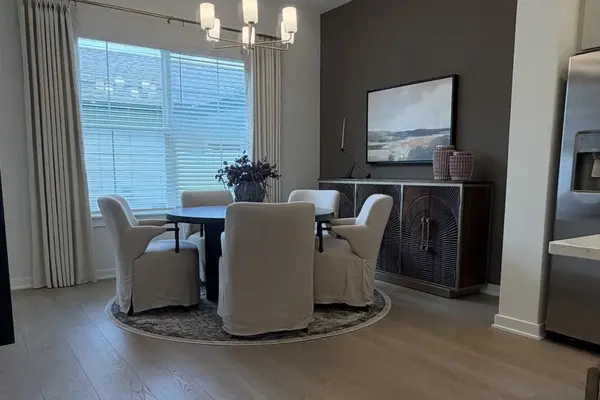
How to Prepare to List Your Home: A 30 Day Plan for Orlando Area Sellers
Quick Answer To prepare a home to list, work backward from the sign date over about four weeks: declutter and gather paperwork first, then deep clean, touch up paint, and fix curb appeal, then photos and a pricing conversation, and finally a showing routine. Start your Florida seller disclosure earl
Butler Chain of Lakes: How to Enjoy Boat Days, Public Ramps, and the Famous Homes
Quick Answer The Butler Chain of Lakes is a system of interconnected lakes in southwest Orange County, joined by navigable canals and protected as an Outstanding Florida Water. You do not have to live on it to boat there. Orange County runs a public ramp at R.D. Keene Park on Lake Isleworth. Butler